How Chirpme Works
Whether you're sending notifications or receiving them, Chirpme makes it simple.
I want to send notifications
Create channels and send push notifications to your subscribers. Perfect for businesses, creators, and developers.
Learn moreI want to receive notifications
Subscribe to channels and get instant push notifications on your phone. Stay updated on what matters to you.
Learn moreSend notifications to your audience
Create channels, share your subscribe code, and start sending push notifications in minutes. Setup takes under 2 minutes.
Create your free account
Sign up with your email or Google account. No credit card required to get started. Your account gives you access to the Chirpme dashboard where you can manage everything.
- Free tier includes 50 notifications/month
- Up to 5 subscribers on free tier
- Upgrade anytime for more capacity
Create a notification channel
Channels are how you organize your notifications. Give it a name, description, and optionally a custom icon. Each channel gets a unique subscribe code that your audience can use to subscribe.
- Unique 6-character subscribe code
- Auto-generated QR code for easy sharing
- Optional password protection
Share with your audience
Share your channel's subscribe code or QR code with your audience. They download the free Chirpme app, enter your code, and instantly become a subscriber.
- Print QR codes for physical locations
- Share code on social media or website
- Include in email signatures or newsletters
Send notifications
Use the dashboard to compose and send notifications. Add a title, message, and optionally an image or link. Send immediately or schedule for later.
- Rich notifications with images
- Schedule notifications in advance
- Track delivery with analytics
- Use API for automated notifications
Receive notifications from anyone
Download the free app, enter a subscribe code, and start receiving push notifications. It's that simple.
Download the app
Get the free Chirpme app from the App Store or Google Play. Create an account with your email or sign in with Google/Apple.
Enter a subscribe code
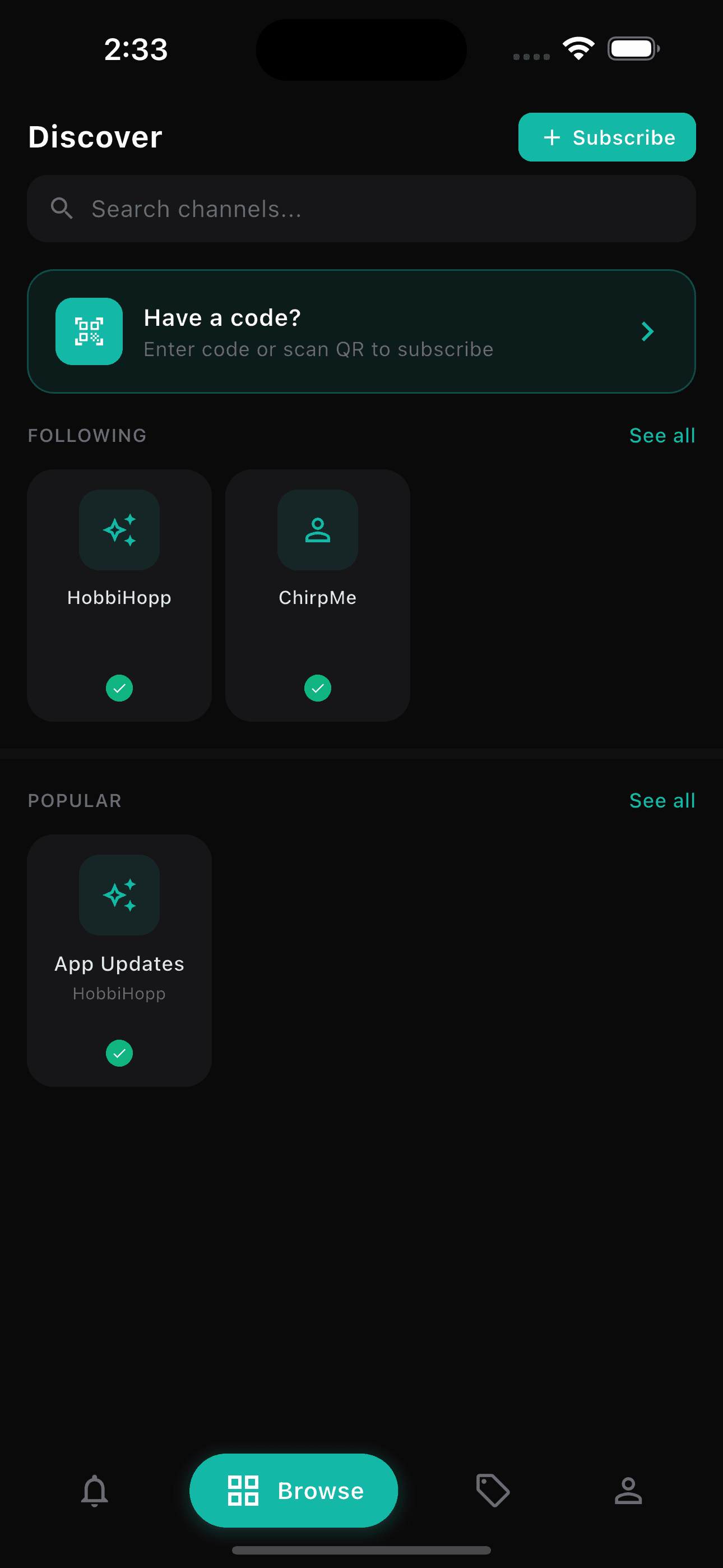
Tap "Subscribe" and enter the 6-character code you received, or scan a QR code. The channel will appear in your feed.
Receive notifications
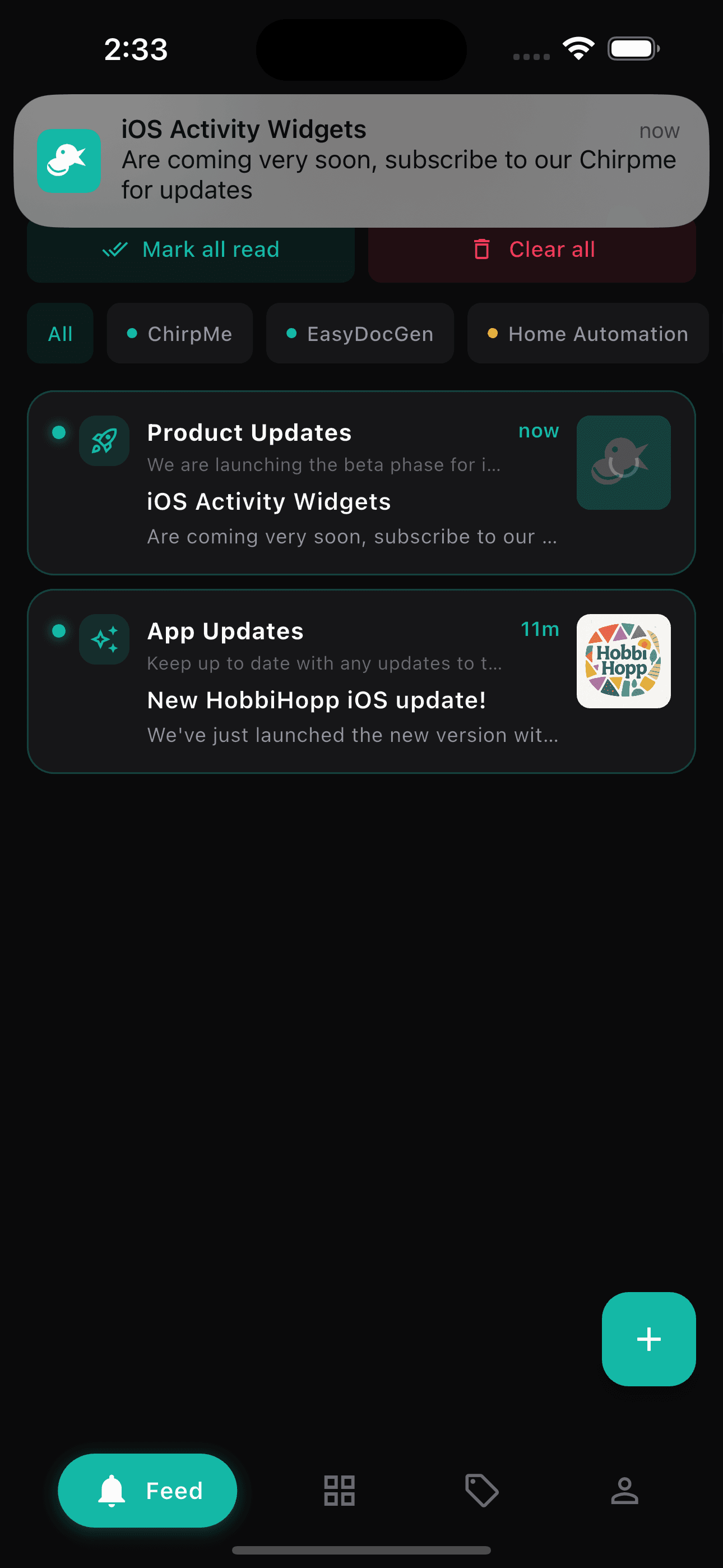
When the channel owner sends a notification, you'll receive it instantly on your phone. View details, images, and links right in the app.
Organize with tags
Create tags to organize your notifications. Filter your feed by tag to find exactly what you're looking for.
Ready to get started?
Whether you're sending or receiving, Chirpme makes push notifications simple.